
App Name: Kindle Create
Developer: Amazon/Kindle Direct Publishing (KDP)
Type of App: E-publishing formatting and publication tool
Amazon Kindle Create App: Boon, Bane, or Both?
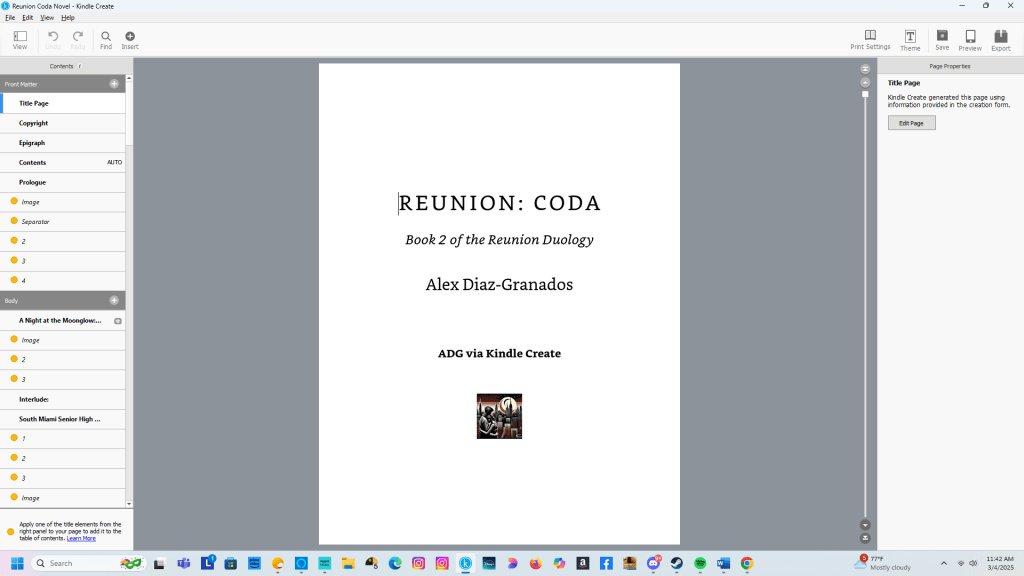
For readers familiar with my blog, you know that independent publishing has been my thrilling yet occasionally exasperating companion on the creative journey. My experiences with Kindle Direct Publishing (KDP) and CreateSpace in 2012 and 2018 were delightfully straightforward—uploading my trusty Word documents directly into the platform required no additional formatting tools.
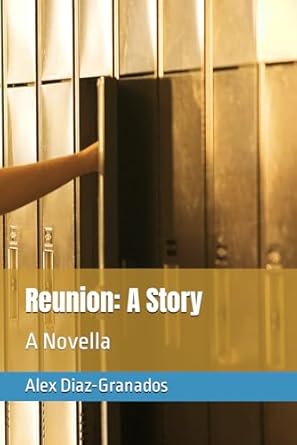
Fast forward to early 2023, when republishing Reunion: A Story introduced me to Kindle Create—a tool designed to transform manuscripts into polished e-books and print editions for KDP. My experience with Kindle Create was a blend of excitement, frustration, and discovery, revealing the art and occasional hiccups of bringing manuscripts to life.

What Is Kindle Create?
Kindle Create is Amazon’s dedicated app for preparing manuscripts for Kindle publication. It promises a user-friendly way to convert Word documents into professional-looking Kindle books. The app provides tools for formatting text, adding images, creating interactive tables of contents, and previewing final layouts. Its goal is clear: to make self-publishing accessible and seamless for authors, ensuring their vision is brought to life with precision.
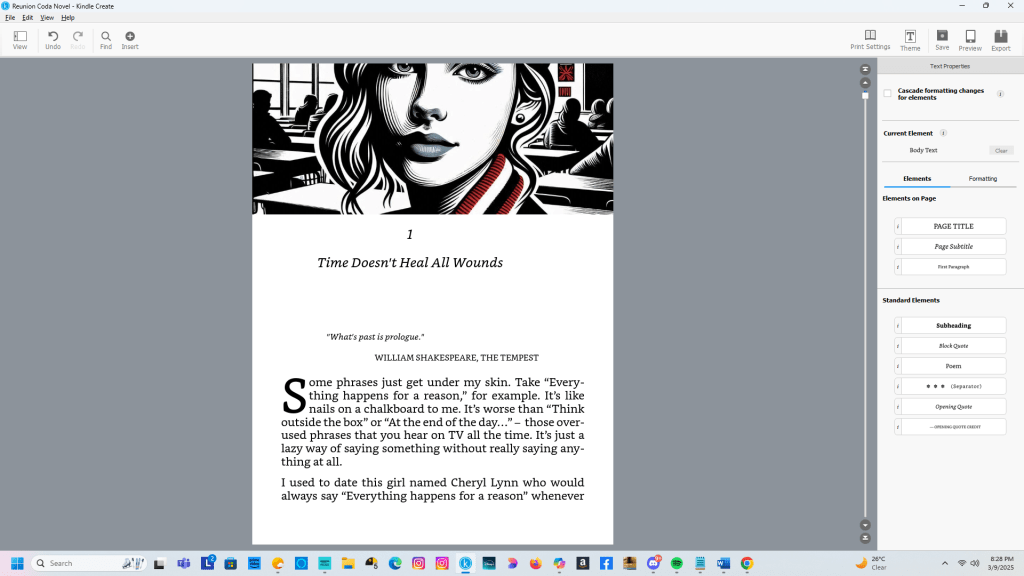
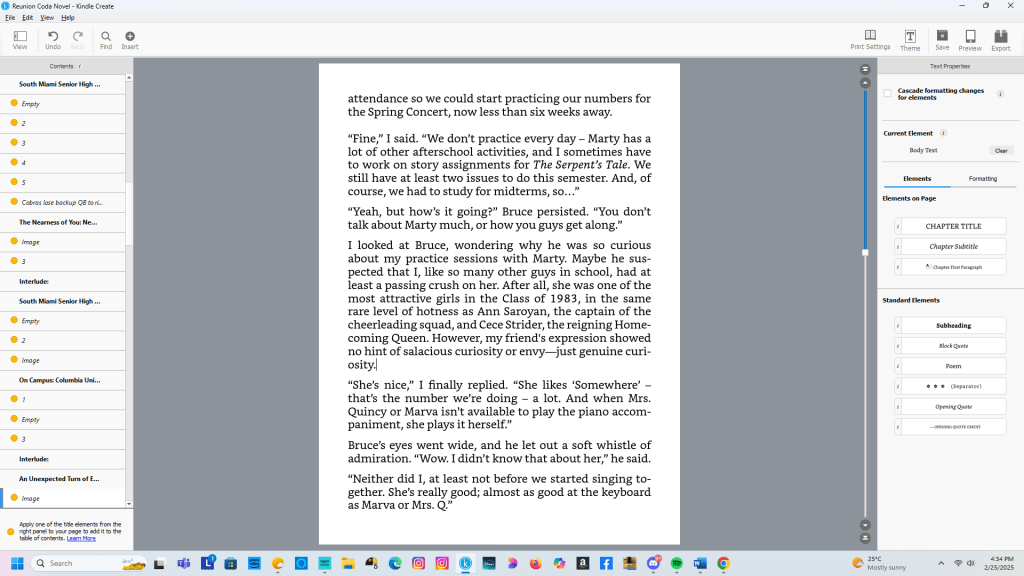
For the most part, Kindle Create delivers on these promises. If you’re proficient with computers, word processors, and importing images, you’ll likely master this app without the need for tutorials. Its intuitive interface allows authors to structure novels, children’s books, or even comics with relative ease. However, it’s important to understand that Kindle Create is not a writing tool—manuscripts must be crafted in a word processor before being polished and prepared in Kindle Create.
A Format Tailored for KDP
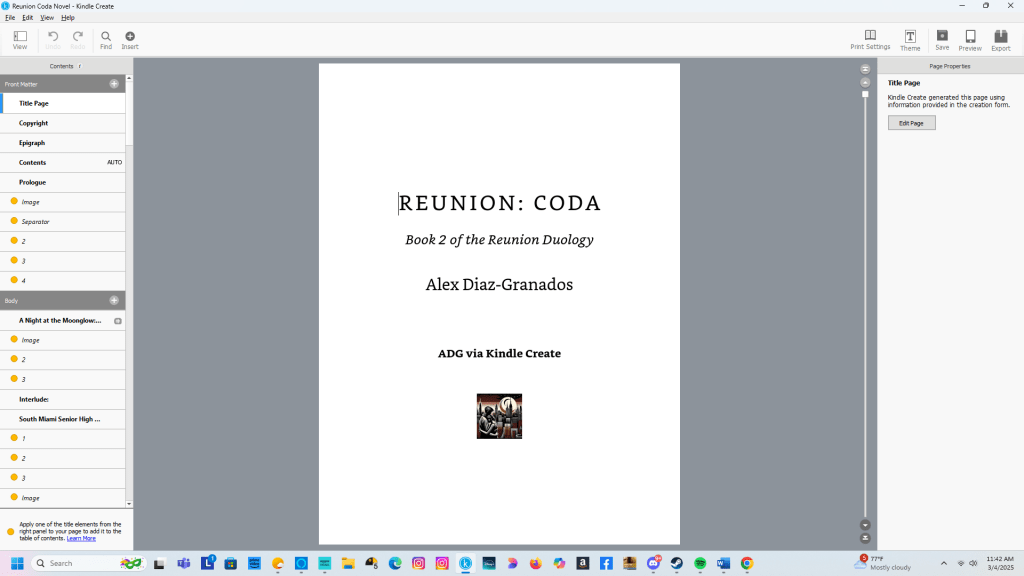
One of Kindle Create’s standout features is its ability to convert your manuscript into a Kindle Package Format (KPF) file, a format specifically optimized for Kindle Direct Publishing’s (KDP) system. This ensures that your book is perfectly aligned with KDP’s requirements, streamlining the publishing process and minimizing potential formatting issues during upload.
However, it’s worth noting that Kindle Create no longer supports exporting files in the EPUB format—a change implemented by KDP in recent updates. While EPUB was once a widely used format for e-books, KDP now prioritizes the KPF format, which is designed to integrate seamlessly with their platform. For authors accustomed to working with EPUB files, this shift may require some adjustment, but it underscores Amazon’s focus on creating a unified and efficient publishing ecosystem.
The Frustrations

No tool is without its quirks, and Kindle Create has some noteworthy challenges. Chief among them is its handling of subheadings. For reasons best known to the developer, subheadings often fall victim to peculiar capitalization rules. For instance, “The Day of Infamy” might appear as “The Day Of Infamy,” requiring manual correction through the Advanced Fonts submenu. Similarly, time-specific subheadings—like “Saturday, April 19, 2025, 3:42 PM”—might inexplicably morph into “Saturday, April 19, 2025, 3:42 Pm.” These glitches demand vigilance, as the app occasionally reverts edits to its flawed defaults, necessitating constant saving to preserve corrections.
For me, this issue was more than a mere nuisance. Correcting subheadings across Reunion: Coda—the longer novel in my Reunion Duology—consumed significant time and energy, making the publishing process more arduous than expected.
The Verdict
Despite its shortcomings, Kindle Create achieves its primary goal: helping authors turn their manuscripts into professionally formatted books. From its suite of formatting tools to its preview features, the app makes self-publishing accessible, enabling authors to present their work as envisioned. While it may occasionally test your patience, Kindle Create remains a valuable ally in the indie publishing journey.
 A Certain Point of View, Too
You must be logged in to post a comment.