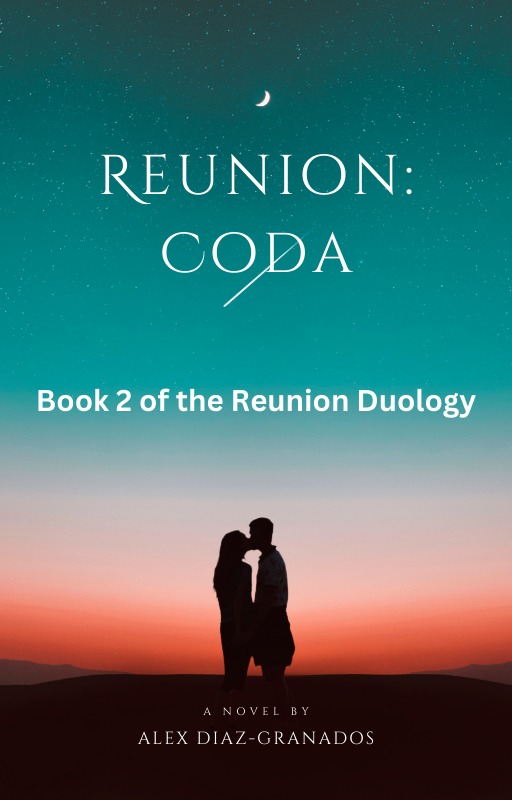

Late Morning, Friday, May 3, 2024, Madison, New Hampshire
Hi, all.
It’s a gorgeous – if (for me) chilly – spring day here in my corner of New Hampshire. Currently, the temperature is 56°F (13°C) under sunny conditions. With humidity at 69% and the wind blowing from the east-northeast at 5 MPH(8 Km/H), it feels like 70°F (21°C). Today’s forecast calls for partly sunny skies and a high of 63°F (17°C). Tonight, we can expect partly cloudy skies. The low will be 42°F (6°C).

I woke up early this morning; it was foggy and cold then, and it didn’t look like this last day of the first workweek in May would be nice – at least as far as sunshine is concerned. But by seven the sun was burning through the fog, so…here we are.
On Writing & Storytelling: My Slow, Laborious Thursday
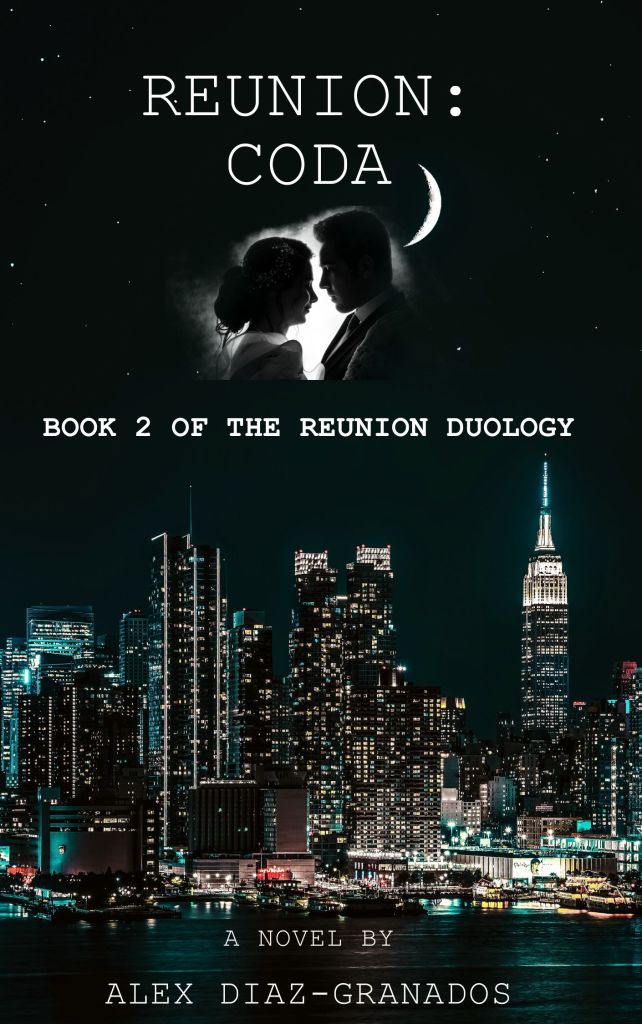
As much as I wanted to begin writing Reunion: Coda’s sixteenth chapter, I had to work on other aspects of the pre-publication process yesterday. Instead of writing the first scene of a new chapter, I had to transfer the second half of “The Promised Kiss of Springtime” (aka Chapter 15) from Microsoft Word to Amazon’s Kindle Create app.
Now, this sounds like a super-easy task, right? I mean, I’m talking about copying/pasting a chunk of text from one app (Word) to another (Kindle Create), which then adapts the text I pasted to fit the styles in the Kindle Direct Publishing format necessary for publication in e-book and hard copy (hardcover and paperback) editions.

Well, the copy/pasting part is easy. It’s what comes next – getting all the Word-generated headings and subheadings to “marry up” with Kindle Create’s formatting and styles – that’s difficult.
I won’t bore you with a detailed account of my struggles with Kindle Create. Let’s say that although the app is easy to use for most things, its designers made formatting certain things – such as subheadings unnecessarily – and insanely – difficult by insisting that its stylistic eccentricities (such as forcing users to manually edit subheadings so they look the same as they do in the Word document) are the norm instead of the exception.

As a result, a “housekeeping” chore that should have been quick and easy took over an hour of my scheduled work period. All because the app’s designers – many of whom aren’t writers – allow Kindle Create to override the formatting from a Microsoft Word .doc file.
Action This Day – Grappling with the Kindle Create App…Again

I don’t know yet what I will do this afternoon when I return to my desk after my two-hour break. As I said, I want to begin Chapter 16 to move the story forward and inch closer to finishing the manuscript. I’ve been working on Reunion: Coda since early March of last year, so not only do I want to publish it as early as midsummer, but I want to read the damn novel as much as readers who liked Reunion: A Story.

I might be able to do that if I do things right and the stars align. But Kindle Create is an unnecessarily twitchy app, and I’ve noticed that it often reverses the changes I make to the subheadings (that is its main issue when I work with it, at least). This annoys me. I want my subheadings to look a certain way (South Miami High School, 7 AM) instead of Kindle Create’s screwed-up format (South Miami High School, 7 Am). It’s a small detail, and a trivial one to non-readers who don’t see what the fuss is all about, but to me, it’s important.
I am not psychic, nor can I tell the future, but I think I will end up poring over Reunion: Coda’s .kdf file in Kindle Create for a good portion of my work session. Suffice it to say that I’m not looking forward to this, but I’d rather do it now than when I upload the finished product to Kindle Direct Publishing’s servers. It’s not something I look forward to doing, but unfortunately it must be done.
Well, that’s all for now. I hope you enjoyed reading this update and that you are excited about Reunion: Coda as much as I am. I also hope you have a wonderful weekend, whether you are spending it with your family, friends, or a good book. And as always, stay safe, stay healthy, and happy reading.
 A Certain Point of View, Too
You must be logged in to post a comment.